Read it now with Sam
Summarize and translate webpages on iPhone, iPad, and Mac.

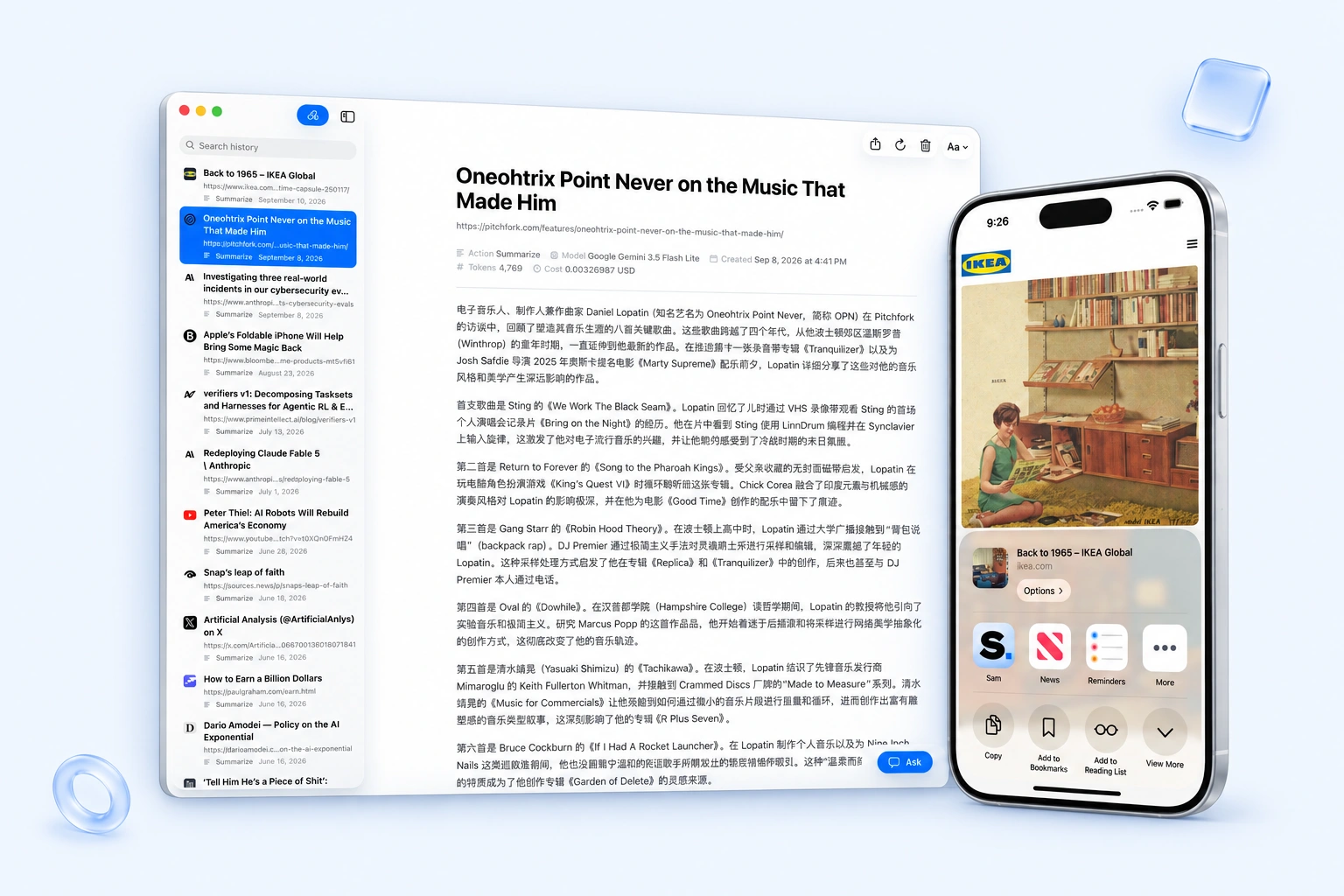
Share or paste a link
Send a webpage from Safari’s share sheet on iPhone or iPad, use the Mac actions, or paste a URL directly into Sam.
Summarize or translate
Read results as they generate. Choose separate models for summaries and translations, and customize prompts and generation settings.
Ask follow-ups
Ask about a saved result, with the source page included when available. Your questions and answers stay with the article.
Choose your AI provider
Use OpenRouter or an OpenAI-compatible API endpoint, including a local server. API keys are stored in the system Keychain.
Search and sync your history
Search saved pages, results, and follow-ups, with optional iCloud sync across devices. View token usage and estimated cost when your provider supplies them.
Export to Markdown
Export one result or a selection as Markdown, including source links, generation details, and completed follow-up conversations.